Obtain FCM credentials
Beta
The Push Notifications API is currently available as a Private Beta product. The information contained in this document is subject to change. You acknowledge and agree that your use of the Twilio Push Notifications API is subject to the terms of the Services in Private Beta. This means that some features are not yet implemented and others may be changed before the product is declared as Generally Available. Private Beta products are not covered by the Twilio Support Terms or Twilio Service Level Agreement.
To send push notifications to Android devices and web browsers, you need Firebase Cloud Messaging (FCM) credentials. In this guide, you create a Firebase project and obtain the service account credentials required by the Twilio Communications API.
- A Google account
- Access to the Firebase Console
- Navigate to the Firebase Console.
-
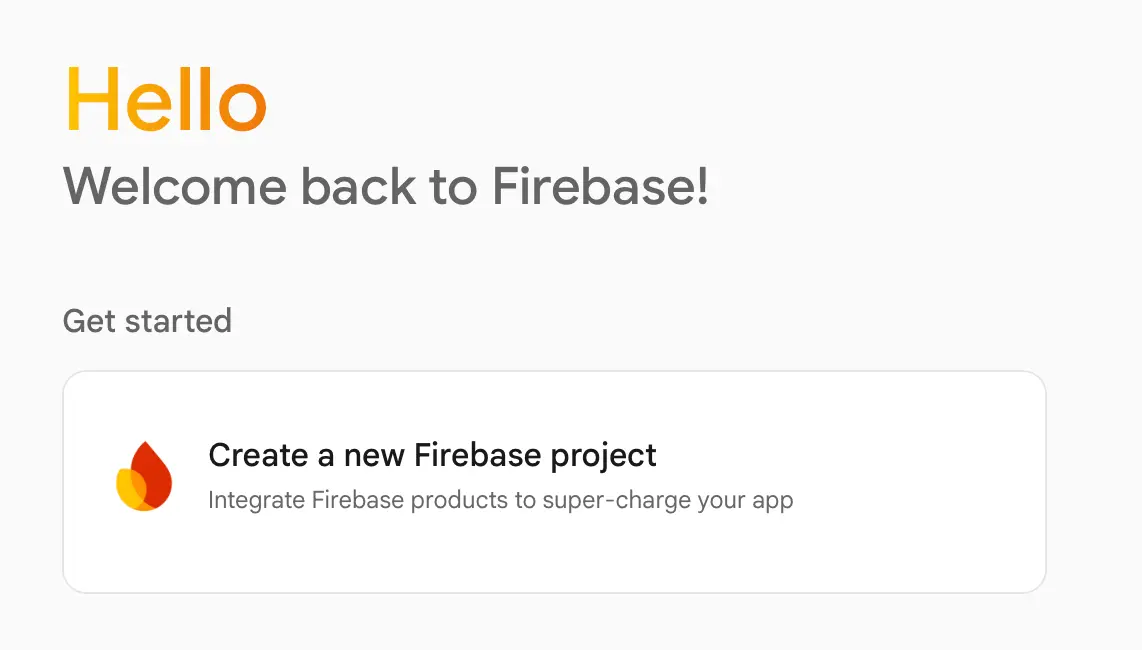
Create a new Google Cloud project or select an existing one. See the
Firebase setup guide
for detailed instructions.
-
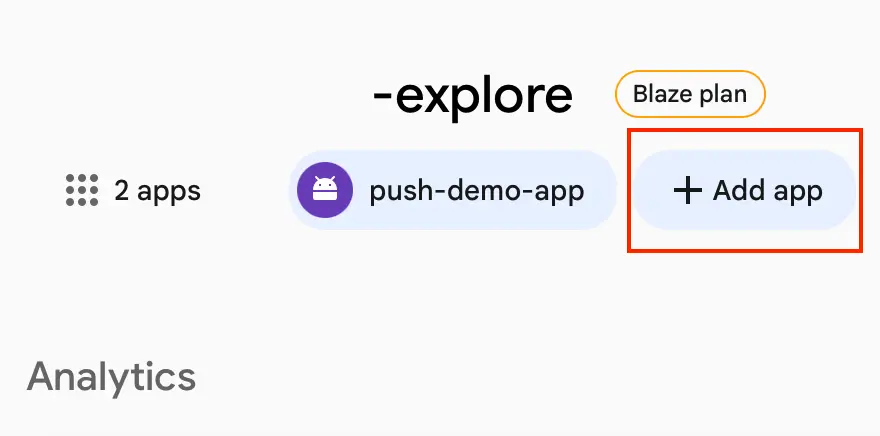
Register a new Firebase application. For detailed instructions, see the
Firebase app registration guide
.
-
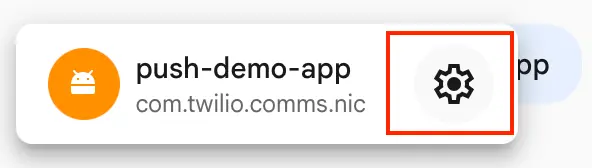
In the Firebase Console, select your app from the project overview, then click the gear icon to open
Settings
.
-
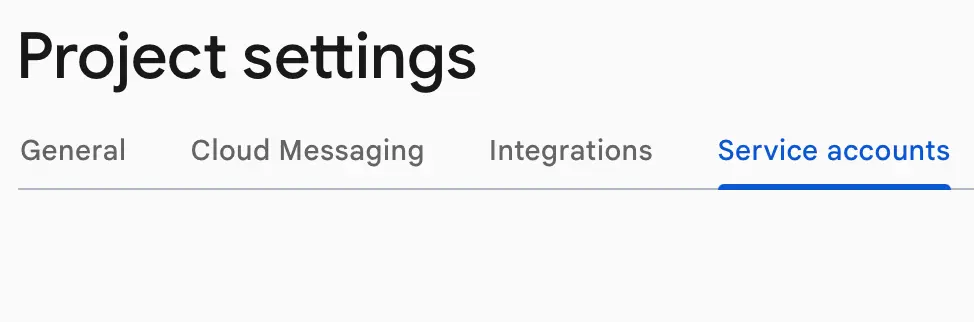
Navigate to the
Service accounts
tab and ensure
Firebase Admin SDK
is selected.
-
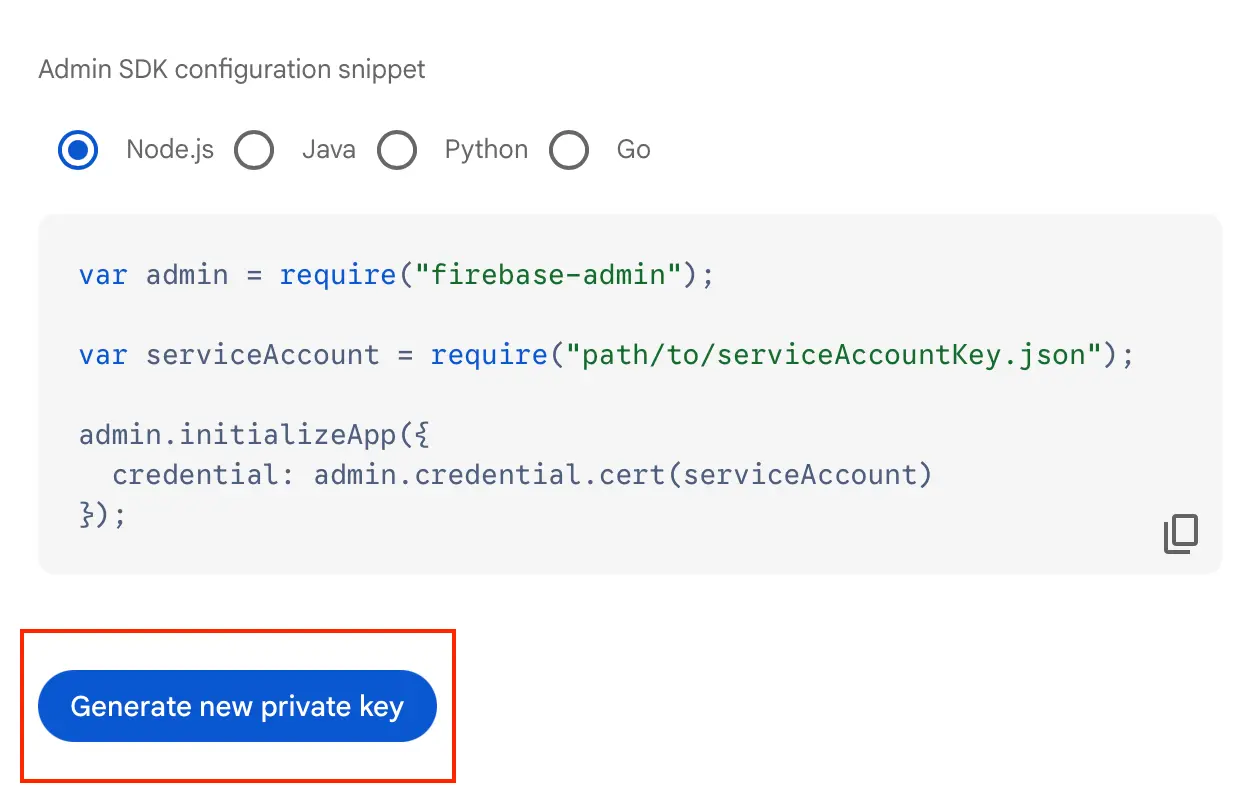
Click
Generate new private key
. This downloads a JSON file containing your credentials.
The credentials must be base64-encoded before you upload them to Twilio. Open a terminal in the directory where you saved the JSON file and run the following command.
cat YOUR_CREDENTIALS_FILE.json | base64 -b 0
Use the base64-encoded string as the privateKey value when creating your FCM credential.
1curl -X POST 'https://comms.twilio.com/v1/PushNotifications/Credentials' \2-H 'Content-Type: application/json' \3-d '{4"credentialType": "FCM",5"content": {6"privateKey": "YOUR_BASE64_ENCODED_KEY"7},8"appName": "YOUR_APP_NAME"9}' \10-u $TWILIO_ACCOUNT_SID:$TWILIO_AUTH_TOKEN
- Send a push notification to a device. See Send a notification.
- Set up APNs credentials to send notifications to iOS devices. See Obtain APNs credentials.