Setting up a TaskRouter Workspace: Add and Configure TaskQueues
TaskQueues assign Tasks to Workers based on Worker attributes. This example uses two TaskQueues: one for requests in Spanish and one for requests in English.
With your Workspace open in the TaskRouter console, click 'TaskQueues' then 'Create TaskQueue'.
The first TaskQueue targets Workers like Alice who have Spanish language skills.
Target Workers are described using an SQL-like syntax that matches the JSON attributes of Workers. Use the HAS operator to check whether a Worker's languages array includes the value "es". The Target Workers Expression is languages HAS "es".
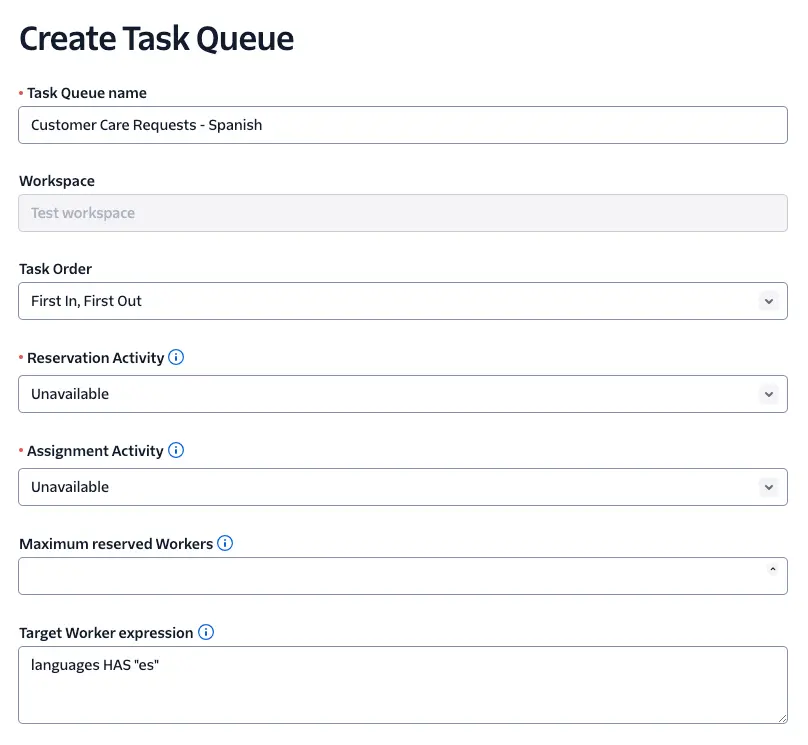
To complete the example of language-based routing, create a second TaskQueue, this time targeting Workers like both Alice and Bob who have English language skills. The Target Workers Expression is languages HAS "en".
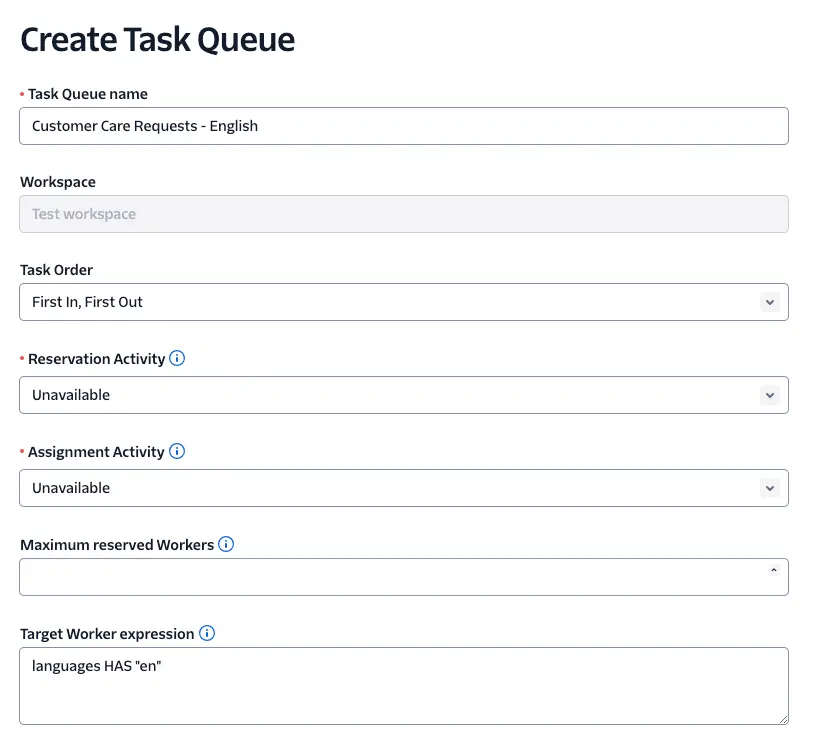
To confirm a TaskQueue matches the right Workers, reopen the 'Customer Care Requests - English' TaskQueue and scroll to the bottom of the page. You should see that both Alice and Bob are eligible to receive Tasks from this TaskQueue:

Reopen the Spanish TaskQueue for comparison - only Alice will show in the list of matching Workers:

You now have two TaskQueues that target your Workers. Before a TaskQueue assigns a Task to a Worker, the Task needs to be created and added to the TaskQueue. That's the role of a Workflow.